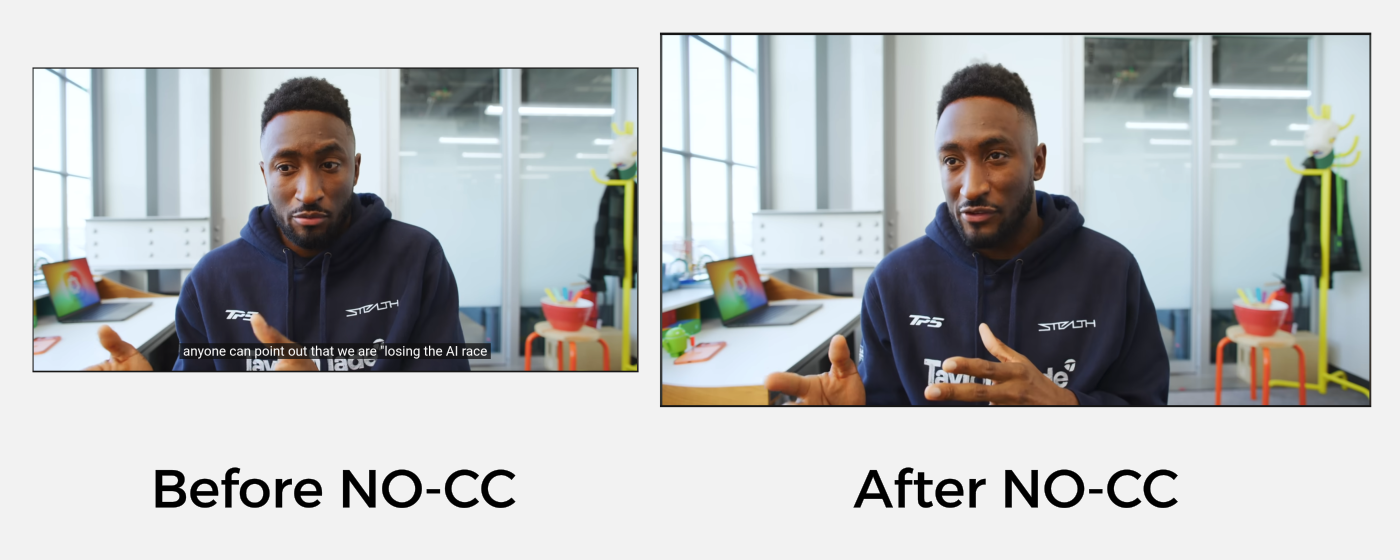
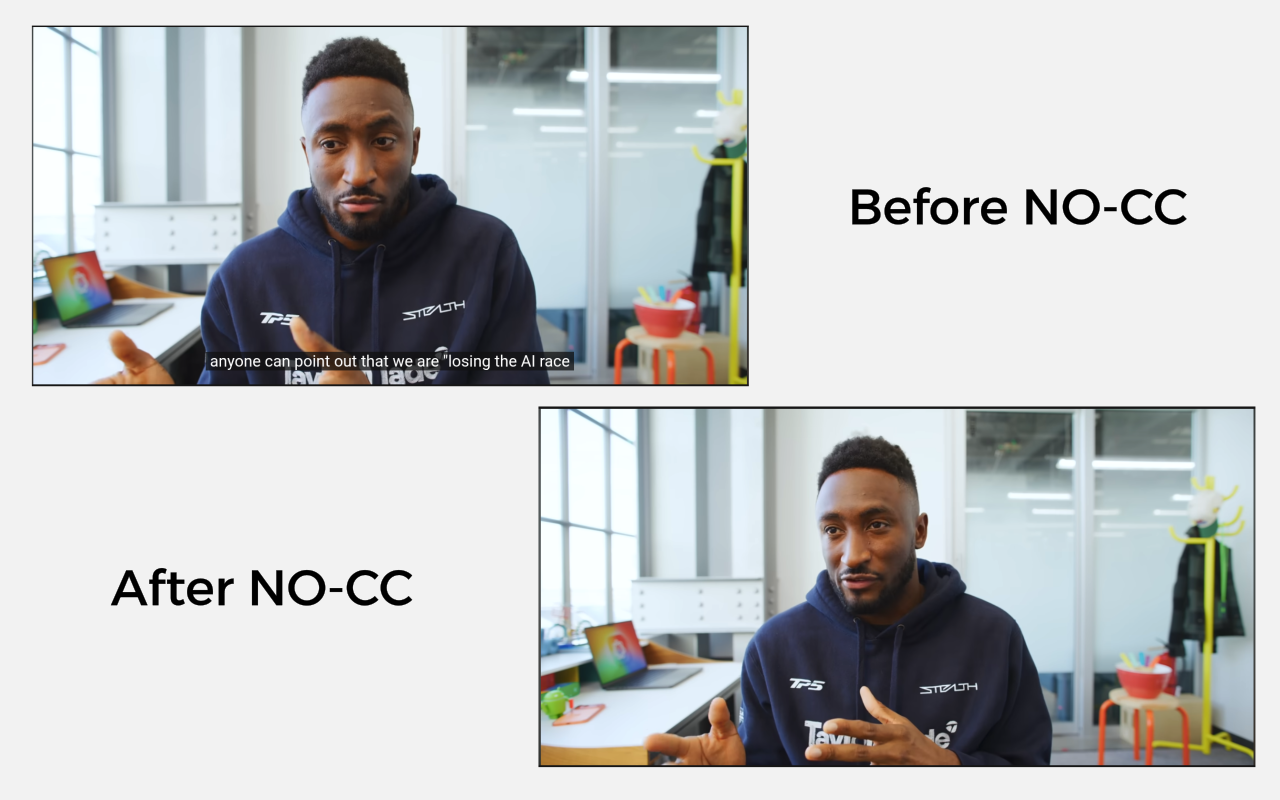
 No CC: Hide YouTube™ Captions
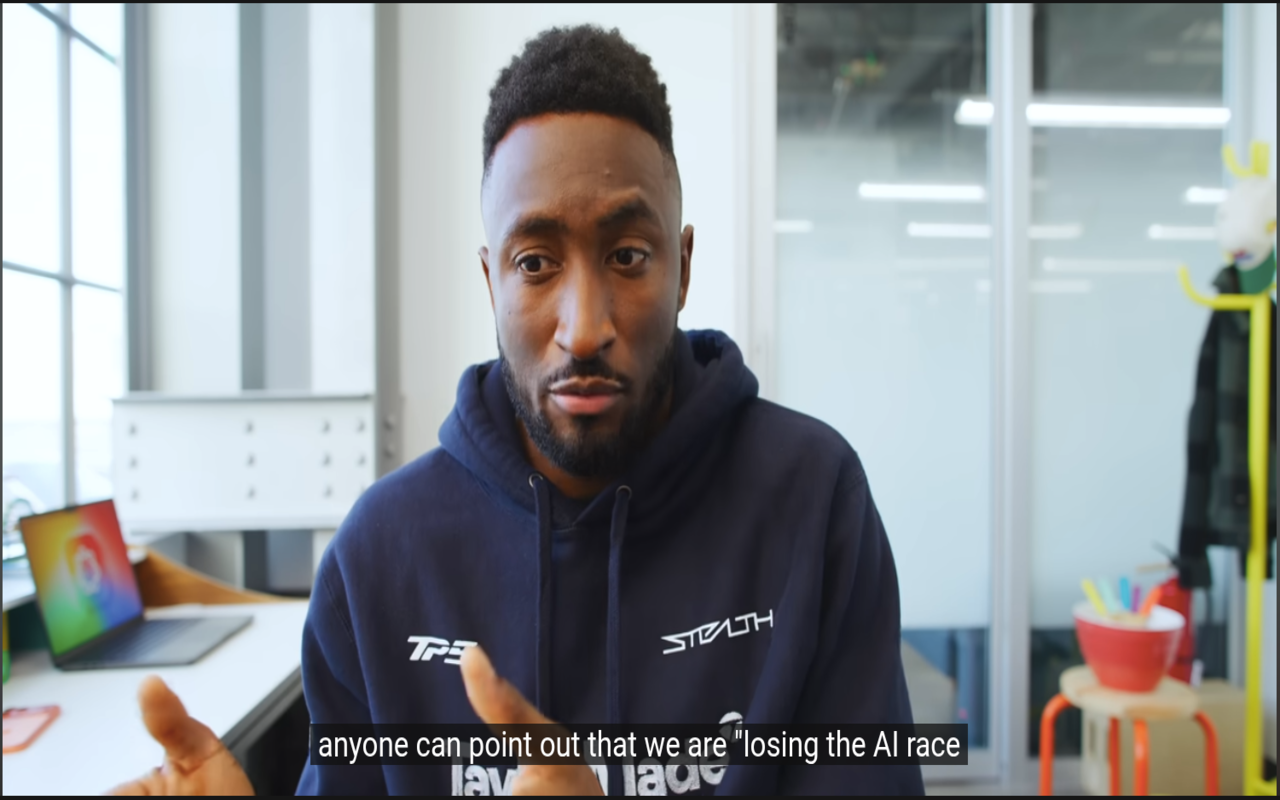
Automatically turns off YouTube captions and subtitles. Replaces YouTube's CC button with a smarter toggle that remembers your choice forever across tabs, sessions, and reloads.
- ~8 KB total ultra lightweight with zero performance hit (debounced mutation observer).
- One-click toggle ON/OFF from popup or in-player button. Toggle OFF = captions turn on, toggle ON = captions turn off. One button, no confusion.
- Works everywhere videos, shorts, reels, home page hover previews.
- Privacy Focused 100% open source. Collects zero data. No analytics, no tracking, no external requests.
Rate No-CC right now
Quick feedback (name + rating + short review). Your comments go live instantly on the community section below.
Average Rating
Features
Key Features
Simple, focused, and privacy-first.
Auto-Hide Captions
Automatically turns off YouTube subtitles and closed captions
Ultra-Lightweight
Zero performance impact with minimal resource usage
Privacy Focused
No data collection, no analytics, no external requests
Works Everywhere
Chrome, Edge, Firefox, and all Chromium-based browsers
Interface Overview
Seamless Integration
Works quietly in the browser popover and settings page.

Available On
User Reviews
Real feedback from extension users
Based on 0 global reviews
Community Comments
0 items loadedTech Stack
Want a Custom Browser Extension?
Let's build a privacy-first extension tailored to your needs.